
Can free online qr code creator make editable QR codes?
QR codes have become a common part of everyday life. They are used on product packaging, restaurant menus, advertisements, business cards, event tickets, and many other places. As more businesses and individuals rely on QR codes, a common question appears:
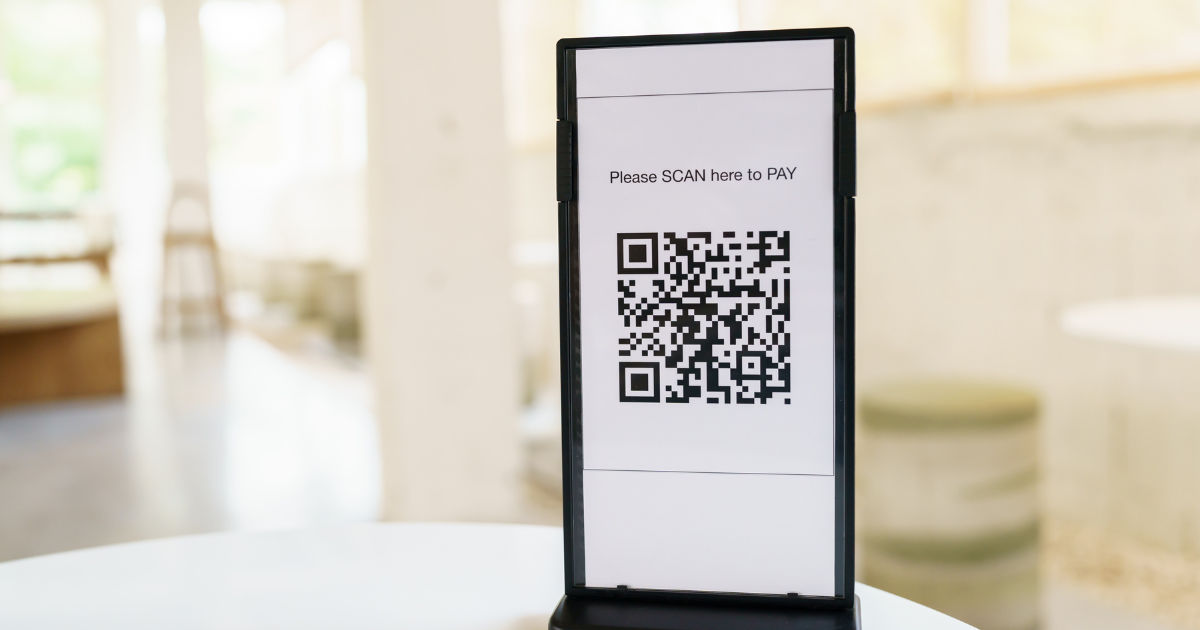
can a free online qr code creator make editable QR codes? Understanding the difference between regular QR codes and editable QR codes can help you choose the right option for your needs.
A free online qr code creator allows users to generate QR codes quickly without installing complicated software. However, not every free QR code tool provides the ability to edit information after a QR code has been created. The answer depends on the type of QR code generated and the features offered by the platform.
In this guide, we will explain how editable QR codes work, whether free tools can create them, the difference between static and dynamic QR codes, and what you should consider before choosing a QR code solution.
What Are Editable QR Codes?
An editable QR code is a QR code that allows you to change the information connected to it after the code has already been printed or shared. This feature is especially useful for businesses, marketers, and organizations that need flexibility.
For example, imagine a restaurant prints QR codes on thousands of menus. The QR code originally links to a lunch menu. Later, the restaurant wants to update the menu for dinner specials. With an editable QR code, the restaurant can change the destination link without creating and printing a completely new QR code.
Editable QR codes usually work by storing a short URL inside the QR pattern. When someone scans the code, they are redirected to the current information connected to that URL. The QR code itself does not change, but the content behind it can be updated.
Static QR Codes vs Editable QR Codes
Before understanding whether a free tool can create editable QR codes, it is important to know the difference between static and dynamic QR codes.
Static QR Codes
Static QR codes store information directly inside the code itself. Once created, the information cannot be changed.
Examples of information stored in static QR codes include:
- Website URLs
- Phone numbers
- Email addresses
- Text messages
- Wi-Fi passwords
- Contact details
Static QR codes are simple and usually free to create. They do not require an account or ongoing service. However, they have one major limitation: once printed, they cannot be edited.
If the information changes, a new QR code must be generated.
Dynamic QR Codes
Dynamic QR codes are designed for flexibility. Instead of storing the final information directly, they contain a redirect link that can be updated.
With dynamic QR codes, users can often:
- Change the destination URL
- Update contact details
- Modify promotional offers
- Track scanning activity
- View analytics
- Change campaigns without replacing printed codes
This makes dynamic QR codes a popular choice for businesses and long-term marketing materials.
Can a Free Online QR Code Creator Make Editable QR Codes?
The answer is sometimes yes, but there are limitations.
Many free QR code generators allow users to create static QR codes without payment. These codes work perfectly for basic purposes but cannot be edited later.
Some platforms offer dynamic or editable QR codes through free trials or limited free plans. These services may allow temporary editing features but often require a paid subscription for long-term access.
When choosing a free online qr code creator, users should carefully check whether the tool provides:
- Dynamic QR code support
- Editing options after creation
- Unlimited scans
- Analytics tracking
- Long-term availability
- Account management features
A free tool may create a QR code that looks editable but may only provide editing during a trial period.
How Editable QR Codes Work
Editable QR codes rely on a simple but effective system.
When a dynamic QR code is created, the QR pattern usually contains a short web address. This address connects to a service that controls where the user is redirected.
For example:
A QR code contains:
"example.com/menu123"
The system redirects visitors to:
"example.com/summer-menu"
Later, the owner changes the destination to:
"example.com/winter-menu"
The QR code remains the same, but scanners see the updated content.
This system makes editable QR codes valuable for situations where information changes regularly.
Benefits of Using Editable QR Codes
Editable QR codes provide several advantages compared with traditional static codes.
Update Information Anytime
The biggest benefit is flexibility. Users can change the linked information without replacing the QR code.
This is useful for:
- Businesses updating products
- Restaurants changing menus
- Event organizers changing schedules
- Companies updating contact information
Save Printing Costs
Printing new materials every time information changes can become expensive.
Editable QR codes reduce costs because the same printed code can continue working for months or years.
Track QR Code Performance
Many dynamic QR code services provide analytics.
Users may be able to see:
- Number of scans
- Scan locations
- Device types
- Scan times
- User engagement patterns
This information helps businesses understand whether their QR campaigns are effective.
Improve Marketing Campaigns
Companies can use editable QR codes to test different landing pages, offers, or promotions.
For example, a company may place one QR code on a poster and change the destination based on the current campaign.
Limitations of Free Editable QR Code Tools
Although editable QR codes are useful, free options often come with restrictions.
Limited Editing Period
Some free services allow editing only for a limited time. After the trial ends, the QR code may stop working or become locked.
Fewer Features
Free plans may not include advanced features such as:
- Detailed analytics
- Custom branding
- Password protection
- Multiple users
- Bulk QR code creation
Service Dependency
Dynamic QR codes depend on the platform hosting the redirect service. If the service shuts down or removes free features, the QR code may stop functioning.
This is different from static QR codes, which continue working independently.
How to Choose the Right QR Code Creator
Selecting the right tool depends on your purpose.
For Personal Use
If you need a QR code for simple information like sharing a website or contact details, a free static QR code generator may be enough.
Examples include:
- Sharing a social profile
- Creating a Wi-Fi QR code
- Linking to a personal website
For Business Use
Businesses usually benefit more from editable QR codes because information often changes.
Consider using a service that provides:
- Long-term support
- Reliable hosting
- Analytics
- Editing capabilities
- Security features
For Marketing Campaigns
Marketing campaigns require tracking and flexibility. Dynamic QR codes are usually the better option because they allow businesses to measure results and adjust strategies.
Steps to Create an Editable QR Code
The exact process depends on the platform, but the general steps are similar.
Choose a QR Code Platform
Find a QR code service that supports dynamic or editable codes.
Select Dynamic QR Code Option
During creation, choose the option that allows future editing.
Add Your Information
Enter the website, file, contact information, or other content you want to connect.
Customize the Design
Many platforms allow customization, including:
- Colors
- Logos
- Shapes
- Frames
However, avoid making designs too complicated because QR codes need to remain easy to scan.
Test Before Sharing
Always scan the QR code using multiple devices before printing or publishing it.
Check that:
- The link works
- The code scans correctly
- The destination page loads properly
Monitor and Update
If analytics are available, review performance and update information whenever necessary.
Are Editable QR Codes Safe?
Editable QR codes can be safe when created through reliable platforms.
However, users should be careful because QR codes can also be used for scams. A malicious QR code can redirect users to harmful websites or phishing pages.
To improve safety:
- Use trusted QR code services
- Avoid suspicious QR codes
- Check destinations before entering sensitive information
- Keep linked websites secure with HTTPS
Businesses should regularly review their QR code destinations to ensure they remain accurate and safe.
Common Uses of Editable QR Codes
Editable QR codes are used in many industries.
Restaurants
Restaurants use them for digital menus, special offers, and ordering systems.
Retail Stores
Retail businesses use them for product details, discounts, and customer reviews.
Education
Schools and universities use them for learning materials, registrations, and announcements.
Healthcare
Medical organizations use QR codes for appointment information, patient resources, and instructions.
Events
Event organizers use editable QR codes for tickets, schedules, and location updates.
Future of Editable QR Codes
QR code technology continues to improve as businesses look for faster and more flexible ways to share information.
Editable QR codes are becoming more popular because they reduce waste, improve marketing control, and provide better user experiences.
As more organizations adopt digital solutions, the demand for smart QR code systems will likely continue growing.
Conclusion
A free online qr code creator can sometimes make editable QR codes, but users need to understand the difference between free static QR codes and dynamic QR codes. Static QR codes are usually completely free but cannot be changed after creation. Dynamic QR codes provide editing features, tracking, and flexibility, but they often require a subscription or have limitations in free versions.
For simple personal projects, a static QR code may be enough. However, businesses and organizations that need long-term flexibility should consider using an editable QR code solution with reliable support.
Editable QR codes are valuable because they allow users to update information without replacing printed materials. They save time, reduce costs, and make digital communication easier. Before selecting a QR code tool, always review its features, limitations, and reliability to ensure it meets your needs.
A good QR code strategy is not only about creating a code but also about making sure it remains useful, secure, and easy to manage over time.